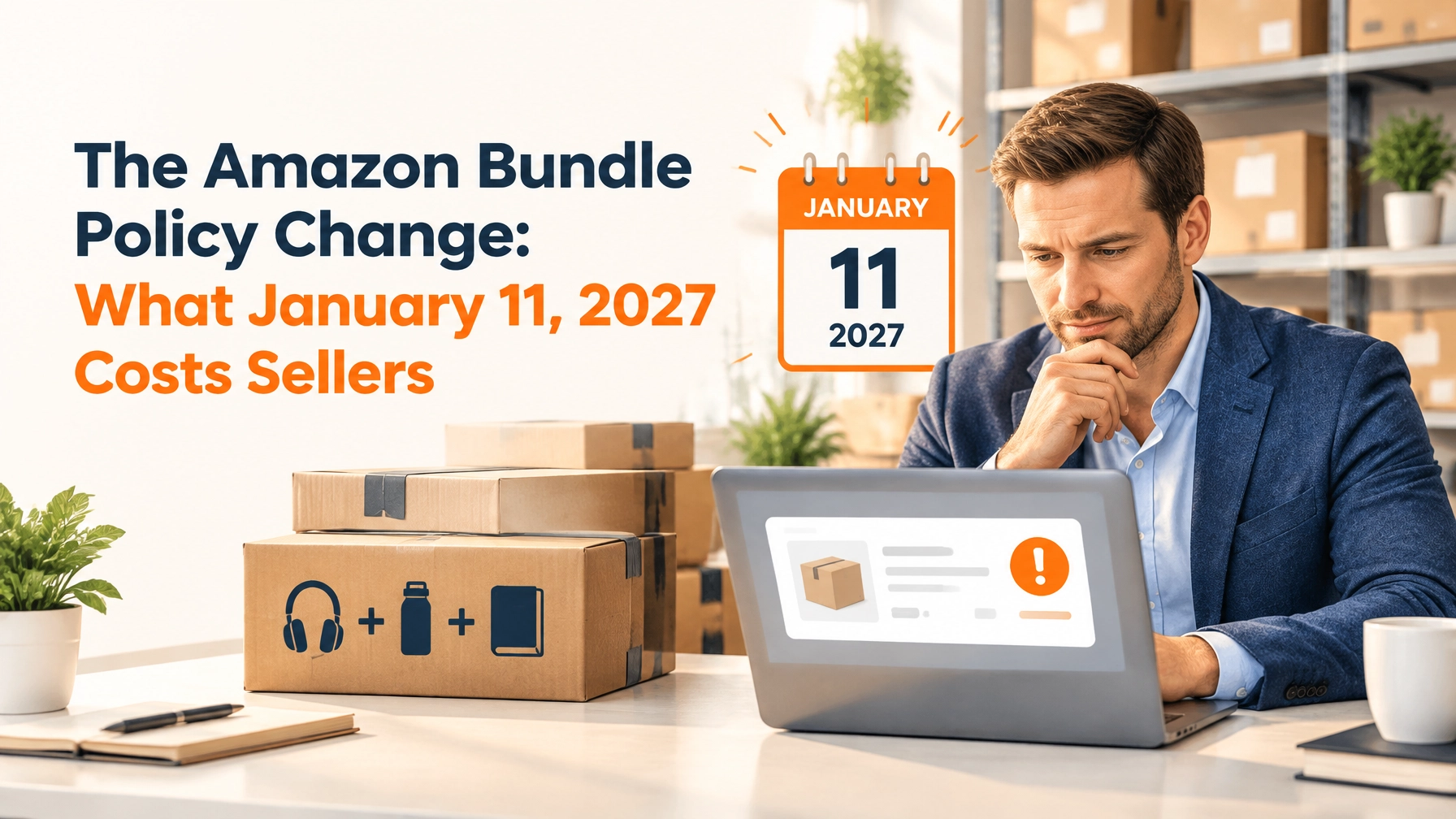
An amazon bundle used to be a choice between two fulfillment styles. That changed in September 2026, when Amazon announced new bundling requirements taking effect January 11, 2027: most physical bundles listed as a single ASIN must be packaged by the original manufacturer or brand, while bundles built with the Virtual Bundles tool are exempt because nothing is physically combined. For FBA sellers with custom kits or multipacks, that makes virtual bundles one of the few remaining paths for a custom amazon product bundle on FBA.
Virtual bundles can also help you test a product combination without buying new packaging, building kits, or sending newly assembled inventory to FBA. But there’s a catch: Amazon fulfills each item in the bundle as an individual component, so the fulfillment fees can stack.
Here’s how the tool works, what the January 2027 policy change means for bundles you already sell, how to set up a bundle in Seller Central, and when a physical kit still makes sense.
What do Amazon virtual bundles actually do?
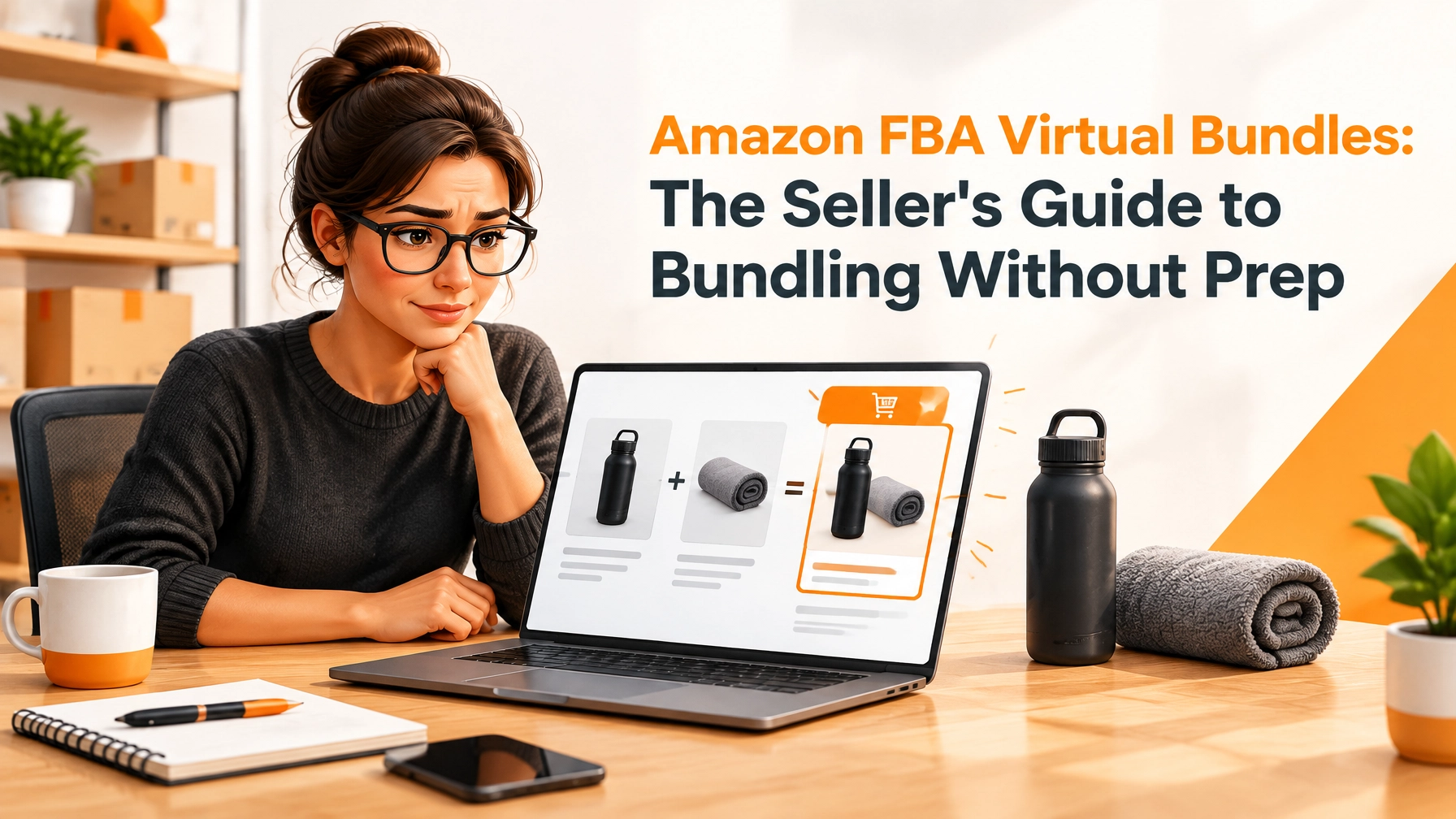
An amazon bundle of this type is a listing that combines two to five eligible ASINs into one offer. A customer sees one detail page, one price, and one Add to Cart button. You don’t physically pack the amazon bundle products together.
When an order comes in, Amazon picks each component from your existing FBA inventory. Components may arrive in separate packages or at different times. You don’t create a new bundle shipment to FBA, and you don’t need to change how the component inventory is packaged. The amazon product bundle lives entirely as a listing; the units behind it stay untouched.
The new bundle gets its own ASIN, detail page, and review profile. Reviews from its component ASINs don’t carry over.

A brief history
Amazon announced Virtual Product Bundles on September 25, 2020, after a beta period. The tool initially launched in the US, giving eligible brand sellers a way to offer complementary FBA products together without physically assembling them.
Availability has since expanded beyond the US. Amazon’s current help page lists multiple participating stores, including the US, UK, and several other marketplaces. Check the requirements for the specific store where you sell before planning a launch.
Who can create a virtual bundle?
Amazon’s current Seller Central help says the tool is available to sellers assigned either a Brand Representative or Authorized Reseller role for at least one Brand Registry brand. If you sell an amazon product bundle under someone else’s brand, this role is what makes it possible. Simply being enrolled in Brand Registry, or having account access, doesn’t automatically mean you have an eligible role. Check the Brand Benefit Eligibility page if the tool isn’t available in your account.
Each of the amazon bundle products must:
- Belong to a brand you own or are authorized to resell through Brand Registry.
- Have active FBA inventory in New condition.
- Use the same fulfillment type as the other components in the bundle.
Amazon excludes gift cards, electronically delivered products, used or renewed products, and Handmade products. The tool requires two to five eligible ASINs; it can’t combine items fulfilled through different channels.
How much do Amazon virtual bundles cost?
Creating the bundle is free. Amazon doesn’t charge an extra fee just for using the tool. But free setup does not mean free fulfillment.
Amazon charges the usual seller fees as if customers bought the component products individually. That means you should calculate the FBA fulfillment fee for every component in an order, not assume Amazon will pick and pack the combination as one unit for one fee. A five-item amazon bundle can carry five component fulfillment fees.
Use Amazon’s current FBA fulfillment fee schedule to check each component’s cost. Fees depend on factors such as size tier and shipping weight, so a fixed example can quickly become outdated. Add applicable referral and other selling costs, then calculate your margin against the bundle price.
The trade-off is straightforward: virtual bundling avoids upfront kitting and inventory costs, but typically costs more to fulfill per order than a comparable physical bundle shipped as one unit. The amazon bundle products in a five-component order each pay a fee, while one packed physical unit pays once.

How do you create a virtual bundle in Seller Central?
Amazon’s navigation labels can change. The current tool is under Brands → Virtual Product Bundles. You can also try the Virtual Bundles tool after signing in.
- Confirm eligibility. Check your Brand Registry role, the component ASINs, their FBA inventory, and their New condition.
- Open the tool. Choose Create a virtual bundle.
- Select two to five ASINs. Pick amazon bundle products that make sense together for one shopper and one use case.
- Choose the main component carefully. It influences the amazon product bundle’s category and inherited search keywords. Amazon says you can’t change it after saving; you’ll need to delete and recreate the bundle.
- Build a dedicated listing. Write a bundle-specific title, bullets, and description. Explain why the products belong together instead of copying component copy verbatim. Add images that clearly show the included products.
- Set the price and discount. Amazon calculates the amazon bundle price from component prices and your selected discount. A modest 5–10% perceived saving can give shoppers a reason to choose the combination, but it isn’t a guaranteed conversion formula. Amazon says the amazon product bundle must be at least 1% cheaper than buying the components separately to qualify for the “Bundles with this item” widget.
- Submit and monitor. The bundle may take time to appear. Track sales, profitability, and customer feedback as you would for any new listing.
Amazon notes that the component selection, main component, fulfillment type, and bundle SKU can’t be edited after saving. Review those choices before submission. Bundle creation and editing are managed in Seller Central, not through feeds or the API. See Amazon’s Virtual Product Bundles help page for current requirements.
What are the pros and cons?
Potential advantages
- No new inventory, inbound shipment, bundle label, or kitting labor.
- A fast, low-commitment way to test a product combination.
- A new detail page that can target a combined use case and build its own reviews.
- A chance to raise average order value and introduce customers to another product — the core reason any amazon bundle exists.
- Amazon says virtual bundles are compatible with Sponsored Products, Sponsored Brands, coupons, and A+ Content.
Important drawbacks
- Component fulfillment fees add up.
- Products may ship separately, which can disappoint gift buyers or customers expecting one package.
- The bundle starts with its own review profile; component reviews don’t transfer.
- The listing can’t join a variation family, and changing its components later requires recreating it.
- Pricing needs attention. Component promotions can affect whether the amazon product bundle remains cheaper than buying items separately, potentially affecting Featured Offer eligibility.
What does the January 11, 2027 bundling policy change mean for your bundles?
Announced in September 2026, the new requirements apply to most physical bundles listed as a single ASIN: the combination must be packaged by the original manufacturer or brand. A custom kit you assemble at a prep center — or that your 3PL assembles for FBA inbound — will no longer qualify as a standard bundle listing unless it falls into an exception.
The exceptions to the manufacturer-packaging requirement:
- Authorized repackaged bundles: the seller holds a valid letter of authorization from the brand owner or manufacturer covering the specific combination and all included brands. Amazon directs sellers to upload authorization through Account Health if a bundle is flagged after the deadline.
- Exempt categories: bundles within gifting browse nodes and camera product types.
- Virtual Bundles: brand owners and authorized resellers can continue creating bundles through the Virtual Bundles tool without physically packaging anything.
- Expanded options: bundles in Books, Music, Video, DVD, and Video Game categories, bundles containing secondary generic products, service plans, and gift cards; multi-brand consumable bundles require authorization letters.
After the deadline, noncompliant bundles may be deactivated and recorded as listing violations in Account Health, and Amazon has directed affected FBA sellers to the removal-order process for noncompliant inventory already in fulfillment centers. You can keep selling noncompliant bundles until January 11, so the practical move is an audit: list every bundle ASIN, who packages it, and which authorization or exemption supports it, then decide whether to sell through, restructure as a virtual bundle, or remove the remaining stock.
That last option is where this tool earns its place in your strategy. Virtual bundles are the one bundle format explicitly exempted from the manufacturer-packaging rule — the components ship separately from your existing FBA inventory and nothing is repackaged into a new box.
When does a physical amazon bundle still make financial sense?
Before the policy change, the answer was simple: test demand virtually, then convert proven combinations to physical kits to reclaim the per-component fulfillment fees. After January 11, 2027, that conversion also has to clear the packaging rule — a physical kit needs a manufacturer configuration, an authorization letter, or an exempt category.
When those conditions are met, virtual bundles remain useful for testing demand before committing to a physical kit. You can learn whether customers respond to a “set,” “kit,” “combo,” or “collection” before paying for assembly, labels, and a new inbound shipment.
Choose related products with a clear shared use case. Avoid unrelated combinations, generic copied copy, or steep discounts that train customers to wait for a deal. Check the bundle price whenever component prices or promotions change, and test advertising against the bundle ASIN.
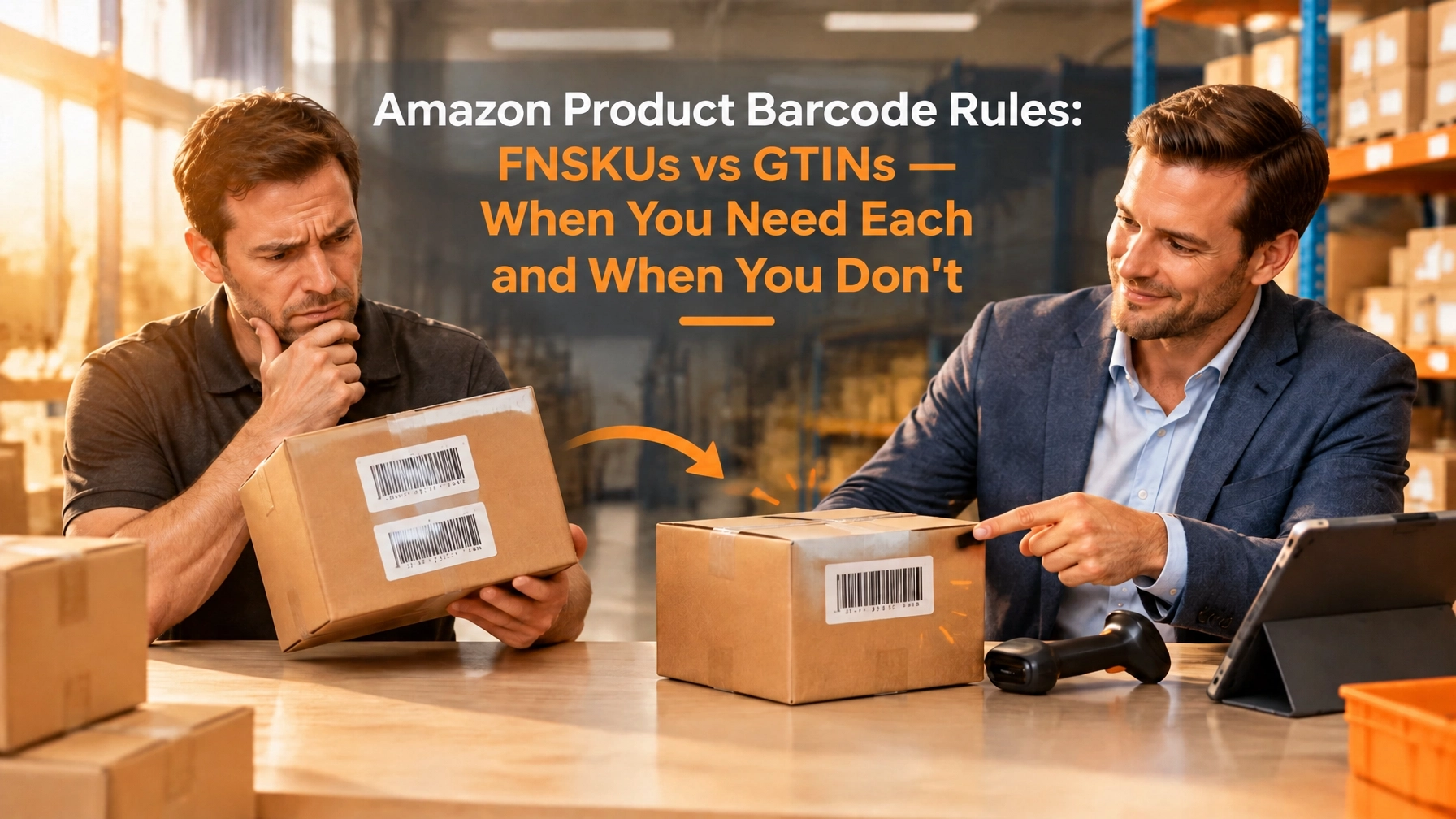
If orders become consistent, compare the ongoing component fees with the cost of creating and shipping a physical amazon bundle. A physical bundle requires prep, a bundle SKU and barcode, and inventory investment, but once it sells, it may ship as one unit for one FBA fulfillment fee. For details on amazon bundle products barcodes and when an FNSKU is needed, read our FNSKU vs. UPC guide.

What about FBM virtual bundling at a 3PL?
You have a problem. We have a solution. If per-component FBA fees are eating your margins, separate shipments don’t fit your customer experience, or your proven kit just lost FBA eligibility under the January 2027 rule, FBM virtual bundling is a different option, not the same Seller Central tool.
A 3PL such as FBMFulfillment can physically kit amazon bundle products from a single inventory pool into a sellable unit with its own SKU and case labeling, then fulfill FBM orders. That gives you control over the packed amazon product bundle and its outbound economics. It also takes planning, inventory, and warehouse work.
The January 2027 policy change sharpened this distinction: for FBA, a physically kitted bundle assembled by anyone other than the original manufacturer is restricted after January 11, 2027 unless an exception applies — while FBM bundles you fulfill yourself through your own warehouse or 3PL are not governed by Amazon’s bundle-packaging policy at all. If your kit combination is proven but no longer FBA-eligible, fulfilling it as an FBM product is a compliant path that keeps the offer alive.
IMPORTANT TAKEAWAY HERE is that FBM becomes more cost effective and a competitive advantage due to the 2026 bundling restriction. By eliminating the prep bundling, Amazon has dramatically increased the cost to the FBA seller by doubling, tripling, quadrupling or even quintupling the FBA fees. FBM bunding is now a major cost avantage
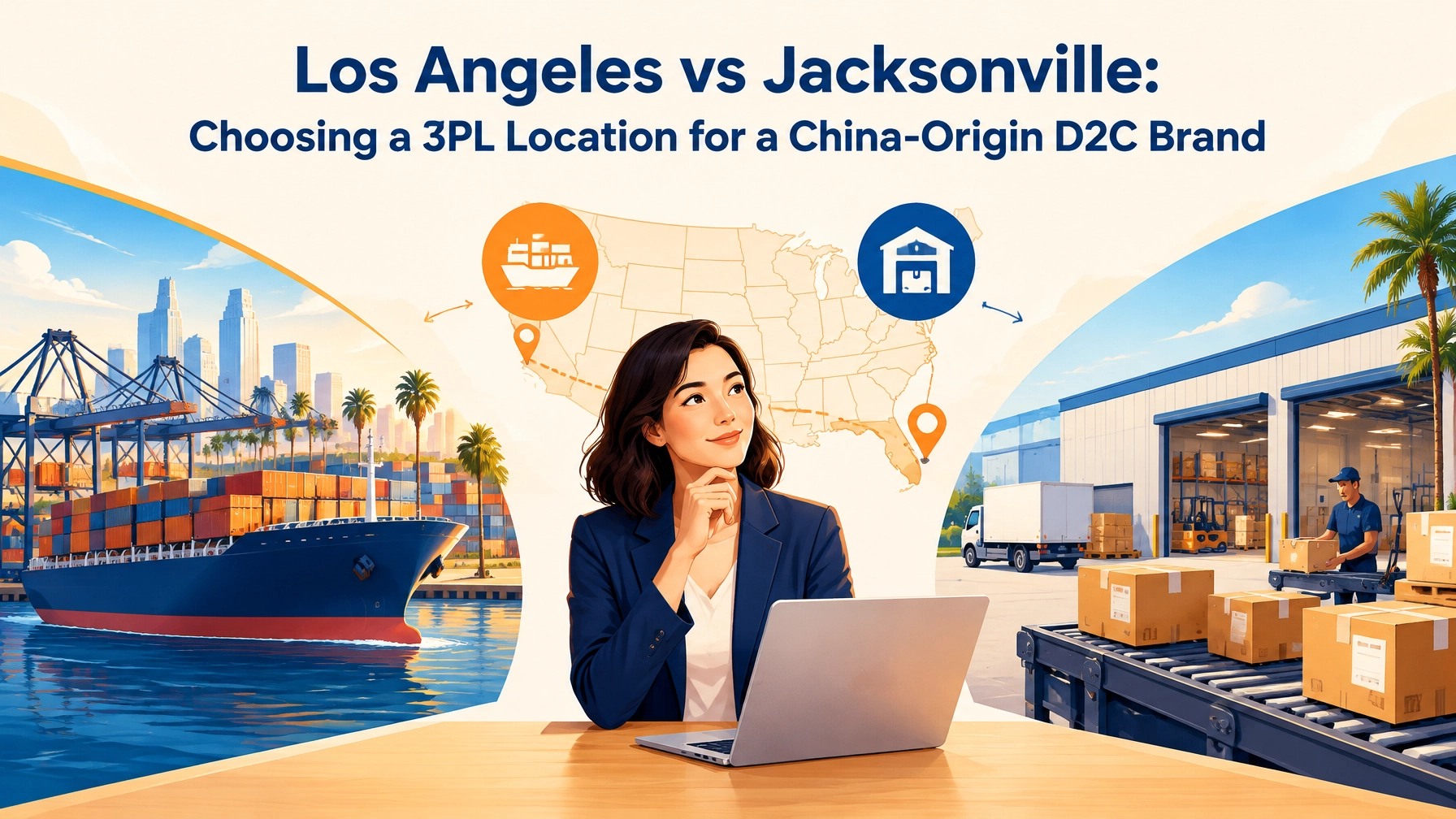
For sellers balancing FBA and FBM, FBMFulfillment’s FBA Replenishment Module supports replenishment in 7–10 day cycles, including direct-to-DC shipping. FBMFulfillment also offers FedEx 2Day DTC shipping from Jacksonville and same-day shipping cutoffs. Ask about the workflow and service terms directly; a strong 3PL relationship depends on clear expectations, transparent fees, and a substantive conversation, ideally by video or in person, not just email.
Key Takeaways
- Amazon introduced new bundling requirements effective January 11, 2027, restricting most physical bundles to manufacturer packaging.
- An amazon bundle created with this tool is one listing from two to five eligible ASINs; amazon bundle products are not physically bundled.
- Amazon announced Virtual Product Bundles on September 25, 2020 and tightened bundling rules effective January 11, 2027.
- After January 11, 2027, most physical bundles must be packaged by the original manufacturer or brand; virtual bundles are exempt.
- FBA kits assembled at a prep center or 3PL need a manufacturer configuration, an authorization letter, or an exempt category after the deadline.
- FBM bundles fulfilled through your own warehouse or 3PL are not governed by Amazon’s FBA bundle-packaging policy.
- Check your Brand Registry role and the current requirements for your marketplace.
- There’s no separate bundle creation fee, but component seller fees still apply.
- Calculate the FBA fulfillment fee for each component before setting your price.
- Virtual bundling can test demand without kitting, labels, or new bundle inventory.
- Components can ship separately.
- The bundle has its own ASIN and reviews; component reviews don’t transfer.
- Choose the main component carefully because it affects categorization and inherited keywords.
- Monitor promotions and prices to protect Featured Offer eligibility.
- Consider physical kitting if reliable sales make the per-component fees a persistent margin drag.
- FBM bundling through a 3PL is a separate physical workflow outside Seller Central.
Related Links
Frequently Asked Questions
They are listings that combine two to five eligible ASINs into one amazon product bundle offer. Amazon fulfills the component products individually from existing inventory.
Amazon announced the feature on September 25, 2020, following a beta period. Amazon has made important changes in 2026
Sellers assigned a Brand Representative or Authorized Reseller role for a Brand Registry brand may be eligible. Check Seller Central for your account and marketplace.
Go to Brands → Virtual Product Bundles, select the amazon bundle products you want, create the listing, set the amazon bundle price, and submit it.
Two to five eligible ASINs. [No Limit or restriction on FBM]
There is no separate fee to create the bundle, but regular component seller fees, including applicable FBA fulfillment fees, still apply. Note your FBA fee will increase in multiple with the number of bundle items.
Not necessarily. Amazon fulfills them separately, so they may arrive in different packages or at different times. [FBM they would almost always ship together, reducing seller cost]
It may be eligible for the Featured Offer, but pricing and other listing conditions apply. Price it below the combined component prices, including relevant promotions.
Test a modest saving that preserves your margin. Amazon requires at least 1% savings for the “Bundles with this item” widget; a 5–10% discount is a starting test, not a guarantee.
A virtual amazon bundle is a listing; Amazon picks its components separately. A physical bundle is assembled into one sellable unit before fulfillment. Non Manufacturer offered physical bundles are not allowed under the new rules.
Most physical bundles listed as a single ASIN must be packaged by the original manufacturer or brand. A kit assembled by a prep center or 3PL needs a valid letter of authorization from the brand owner, placement in an exempt category (gifting browse nodes, camera products), or conversion to a Virtual Bundle. Noncompliant bundles may be deactivated and recorded as Account Health violations.
FBMFulfillment can work with a seller to create a virtual bundle sku at the 3PL. These bundles may not subject to the FBA restriction.
Note: Amazon may try to impose this restriction on FBM as well.
Amazon’s stated goal as a “customer experience” update to stop poor-quality DIY packaging” But that clearly does not apply to FBM kitting. An order for 1 sku converts to 2,3,4 picks no different than an order for 2,3 or 4 units. Restrictng FBM sellers will put Amazon into dubious FTC Anti-trust territory. See link
https://share.google/aimode/uR7EaQRLX5Lk6Wrju